
New

re:Docu

Automatic design documentation generator.

Generate comprehensive specs, annotations, and developer handoff documents directly on your canvas.

  • Eliminate handoff errors with documentation that mirrors the file's actual state.
  • Surface rogue styles and inconsistent colors before they turn into design debt.
  • Generate structured reference frames for colors, type, spacing, variables, and components.
How it works

Up and running in minutes.

Automatic design documentation generator.

re:Docu Preview
01

Launch

Open the plugin from within any Figma file.

02

Scan scope

Select whether to scan the current page or the entire document.

03

Generate

Trigger the scan and let the plugin process your file in seconds.

04

Analysis pass

The plugin inventories every local style and variable instance.

05

Heuristic grouping

Findings are organized into logical sections like Colors, Type, Spacing, and Grids.

06

Frame rendering

A formatted, ready-to-handoff documentation frame is generated directly on your canvas.

Who it's for

Real workflows. Real results.

01

Developer handoff

Product designer shipping a polished spec

You need one clear style reference that reflects what is actually in the Figma file before engineering starts building.

re:Docu generates a structured documentation frame with colors, type, spacing, variables, and component references directly on the canvas.

02

System maintenance

Design systems lead auditing a messy file

A mature file has accumulated duplicate styles, rogue colors, and inconsistent tokens over time.

The plugin surfaces the inconsistencies quickly so you can consolidate the system based on what is truly in use.

03

Consistency auditing

Design ops team reviewing large documents

You need to understand what styles and variables are present across a big file before standardizing it.

Run one scan and get a cohesive reference frame instead of manually inventorying styles layer by layer.

Pricing

Choose the plan that fits your workflow.

Each run of re:Docu costs 10 credits. Use a one-off credit pack or subscribe when this workflow becomes part of your routine.

โšก

Pay-as-you-go

Perfect for occasional use

$6

one-off

Buy credits
  • 600 credits
  • 1 documentation = 10 credits
  • Supports Basic and Complete modes
  • Analyzes colors, type, and spacing
  • Clear and transparent credit use
  • Universal credits across all Recursive plugins
  • Credits expire after 30 days
  • No auto-renewal
๐Ÿ—“๏ธ

Monthly

For regular users

$12

per month

Start monthly
  • 600 documentations / month
  • Supports Basic and Complete modes
  • Analyzes colors, type, and spacing
  • Cancel anytime
  • Covers only the Docu plugin
  • Renews monthly
  • Usage does not roll over
Unlimited
๐Ÿ‘‘

Unlimited

For power users

$24

per month

Go unlimited
  • 1500 documentations / month
  • Supports Basic and Complete modes
  • Analyzes colors, type, and spacing
  • Cancel anytime
  • Covers only the Docu plugin
  • Renews monthly
  • Subject to fair use policies

Start with 100 free credits on signup. Top up or subscribe when you need more capacity.

Frequently asked

Questions & answers

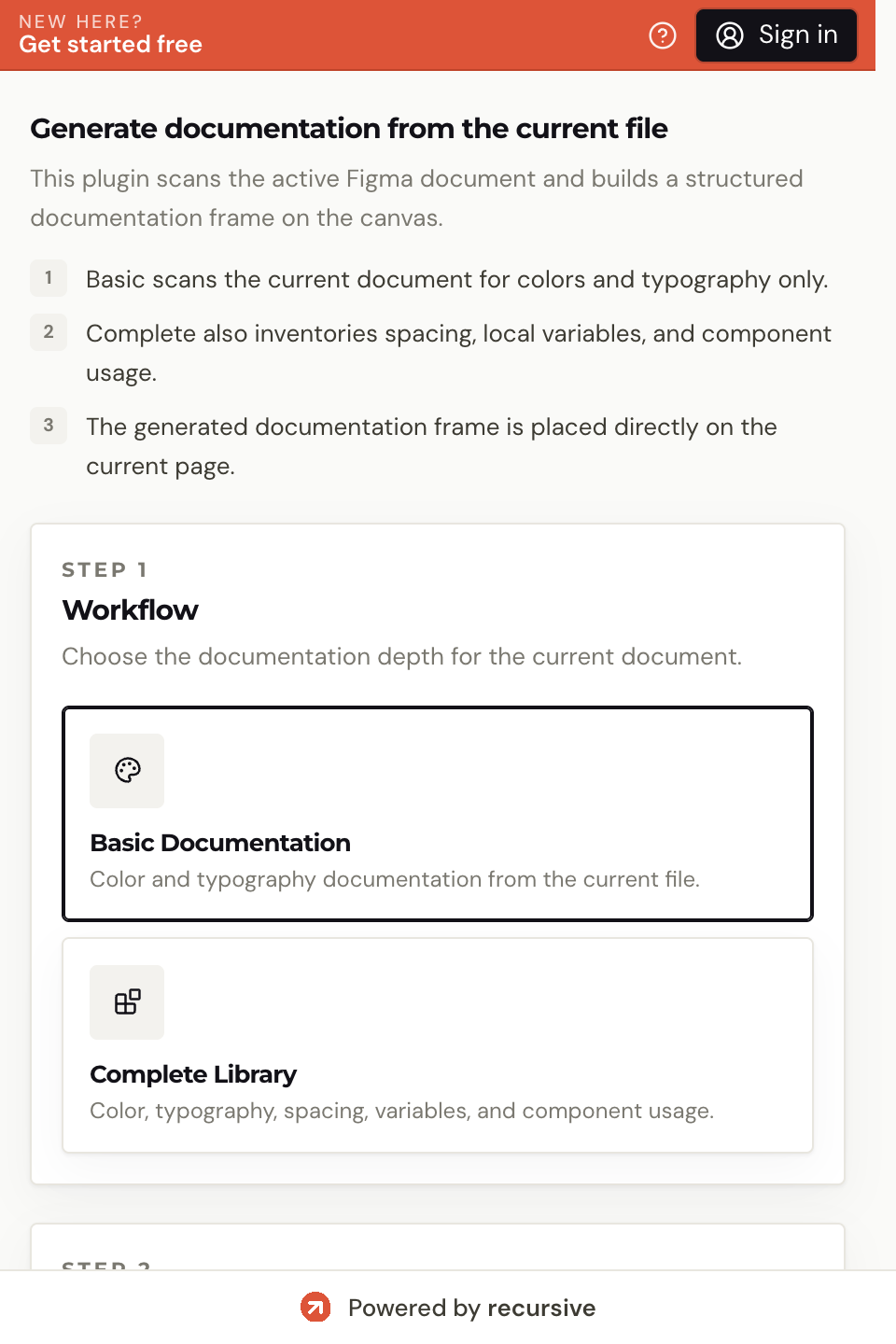
Basic covers colors and typography. Complete adds variables, components, spacing tokens, and usage metrics.

No. All analysis runs locally on your machine. Nothing is sent externally.

Yes. Monthly and Unlimited plan subscribers can use custom documentation templates.

Files up to 10,000 layers are supported. The Unlimited plan is recommended for very large files.

Free plan available

Run your first re:Docu task free.

Start with 100 free credits โ€” no credit card required. Each re:Docu run costs 10 credits. Upgrade when the workflow earns its place.