
Utility

re:Notes

Ideation to sticky notes, in a single click.

Convert any text into organized sticky notes for Figma and FigJam from pasted content or canvas selections.

  • Stop creating sticky notes by hand after every brainstorming session.
  • Use color-coding and layout modes to bring immediate order to messy ideas.
  • Work across both Figma design files and FigJam whiteboards without changing tools.
How it works

Up and running in minutes.

Ideation to sticky notes, in a single click.

re:Notes Preview
01

Input selection

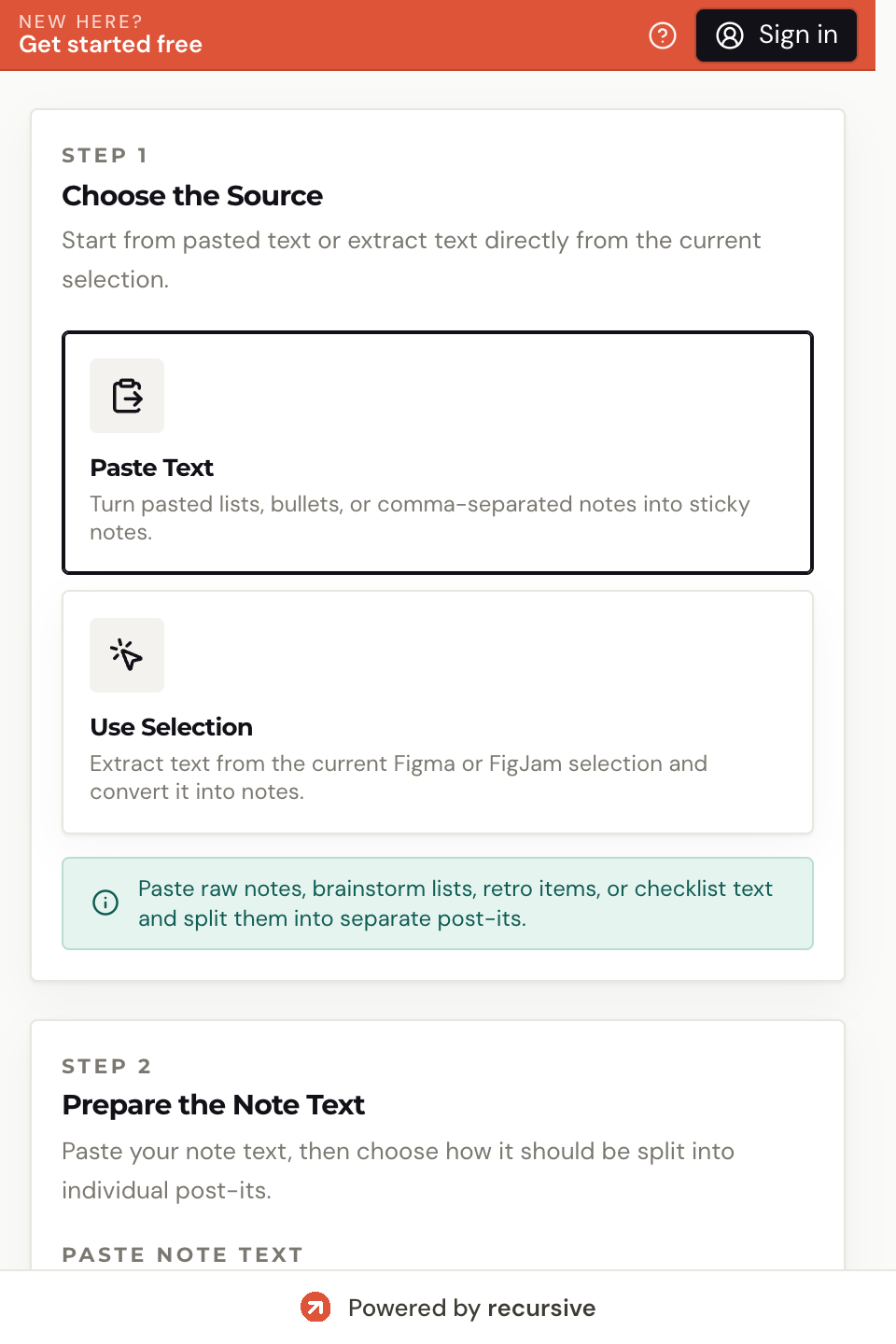
Paste text directly into the plugin, or select frames and text layers on your Figma or FigJam canvas.

02

Text splitting

Choose how to divide your content by new lines, commas, bullet points, or numbered lists.

03

Color selection

Pick from six available sticky note colors to visually categorize ideas.

04

Layout choice

Arrange your notes in a grid, horizontal row, or vertical column.

05

Generate

Click Create Post-its to place the notes automatically at your current viewport.

Who it's for

Real workflows. Real results.

01

Brainstorming and ideation

Designers and stakeholders in a workshop

You have a large block of ideas or feedback that needs to become a readable visual board fast.

Paste the text once and get organized sticky notes arranged in the layout and colors you need.

02

Retrospectives

Scrum masters and product teams

Retro notes and action items are still stuck in a raw text list that nobody wants to read.

re:Notes converts them into structured, color-coded boards that are easier to review and act on.

03

Meeting notes

Product designers working directly on the canvas

You want quick reference notes or decisions placed beside the work without manually formatting each one.

Generate sticky notes directly in the file so the context lives next to the design work.

Pricing

Choose the plan that fits your workflow.

Each run of re:Notes costs 5 credits. Use a one-off credit pack or subscribe when this workflow becomes part of your routine.

Pay-as-you-go

Perfect for occasional use

$6

one-off

  • 600 credits
  • 1 conversion = 5 credits
  • Supports all colors and layouts
  • Supports multiple frames
  • Works in both Figma and FigJam
  • Universal credits across all Recursive plugins
  • Credits expire after 30 days
  • No auto-renewal
Recommended
🗓️

Monthly

For regular users

$12

per month

  • 600 conversions / month
  • Supports all colors and layouts
  • Supports multiple frames
  • Works in both Figma and FigJam
  • Cancel anytime
  • Covers only the Notes plugin
  • Usage does not roll over
👑

Unlimited

For power users

$24

per month

  • 1500 conversions / month
  • Supports all colors and layouts
  • Supports multiple frames
  • Works in both Figma and FigJam
  • Cancel anytime
  • Covers only the Notes plugin
  • Subject to fair use policies

Start with 100 free credits on signup. Top up or subscribe when you need more capacity.

Frequently asked

Questions & answers

Yes. re:Notes is fully optimized for both Figma Design and FigJam whiteboard environments.

Standard paragraphs split by newline, bulleted lists, numbered lists, and comma-separated values.

Yes. The generated notes are native Figma objects and remain fully editable with standard tools.

You can create up to 200 sticky notes in a single operation.

Free plan available

Run your first re:Notes task free.

Start with 100 free credits — no credit card required. Each re:Notes run costs 5 credits. Upgrade when the workflow earns its place.